
5 Best IPTV Apps for Firestick in 2026 (Free & Paid)
If you own an Amazon Firestick, you already know it's one of the most powerful streaming devices for IPTV. But with hundreds of apps available, finding the best IPTV apps for Firestick can be tricky. After weeks of hands-on testing (buffering, UI fluidity, EPG accuracy, and 4K HDR support), our team at Pillar IPTV curated the top 5 players for 2026. Whether you want a premium experience or free options, this guide covers everything — from installation via Downloader codes to advanced settings. Pro tip: Pair any app with a reliable IPTV subscription like Pillar IPTV Subscription Plans for the smoothest performance.
1. IPTV Smarters Pro – The Gold Standard
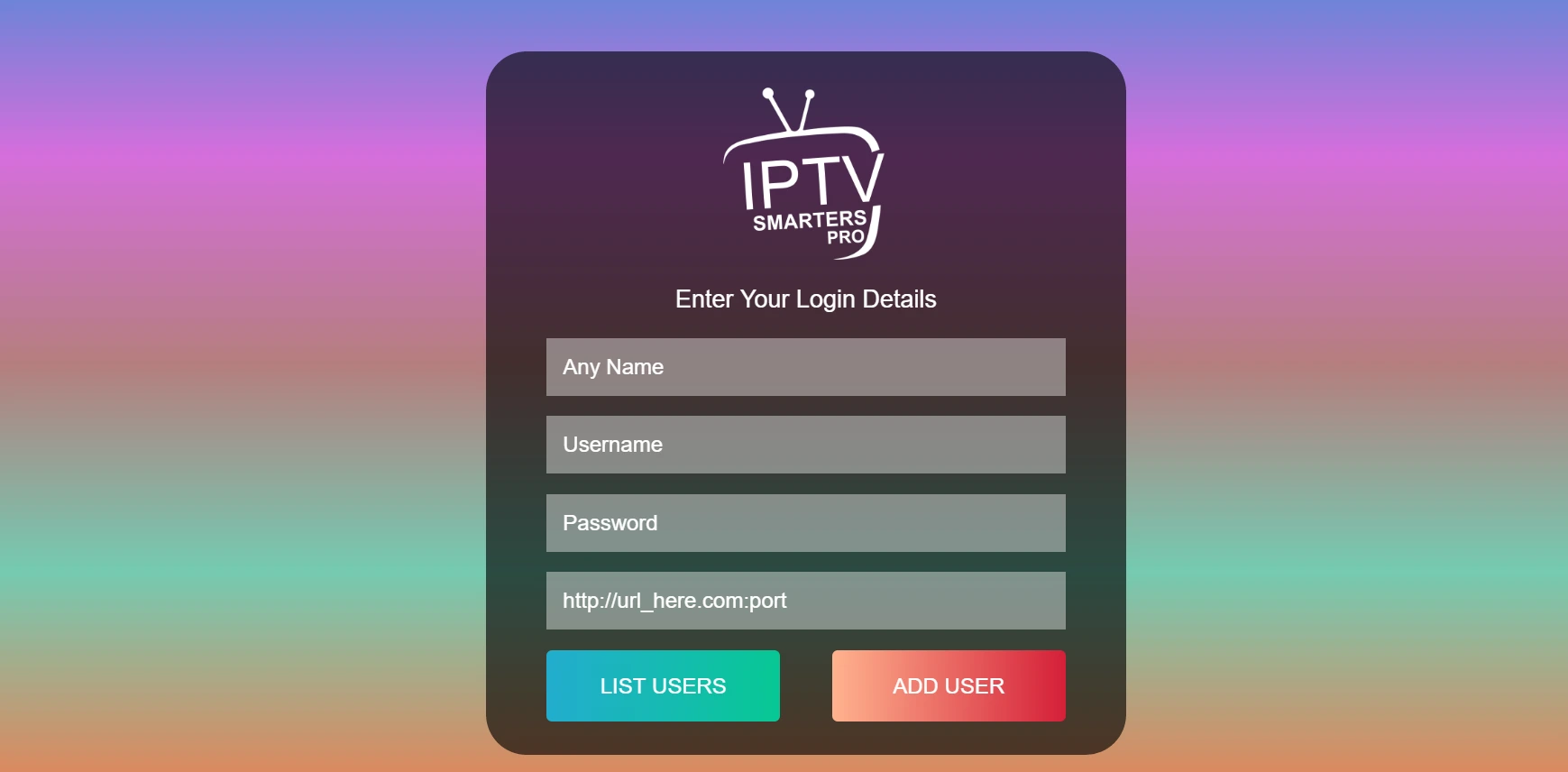
IPTV Smarters Pro remains a fan favorite thanks to its polished interface, multi-screen support, and external player integration. It's the go-to for both beginners and power users.
Installation Guide (Downloader Method)
- On your Firestick home, go to Find > Search and type "Downloader". Install the Downloader app.
- Launch Downloader, enable "Install from unknown apps" in Firestick settings (Settings > My Fire TV > Developer Options).
- Enter URL / code: type 28907 and click Go.
- Download the APK, then install. Open IPTV Smarters Pro and enjoy.
Performance Review
We tested Smarters Pro with 4K streams at 60fps — initial channel zapping averaged 2-3 seconds, with almost zero buffering on a 50 Mbps connection. Hardware decoding is enabled by default, reducing CPU load on Firestick. The UI is clean, supports dark mode natively, and the EPG loads smoothly even with 10,000+ channels. Built-in parental controls, VOD sections, and catch-up support make it a complete package.
✅ Pros
- Extremely stable, minimal buffering
- Multi-screen / multi-room support
- Advanced EPG with reminders
- Free to use (with optional premium)
❌ Cons
- Some advanced features behind paid version
- Requires manual playlist setup
2. IBO Pro Player – Lightweight & Fastest Zapping
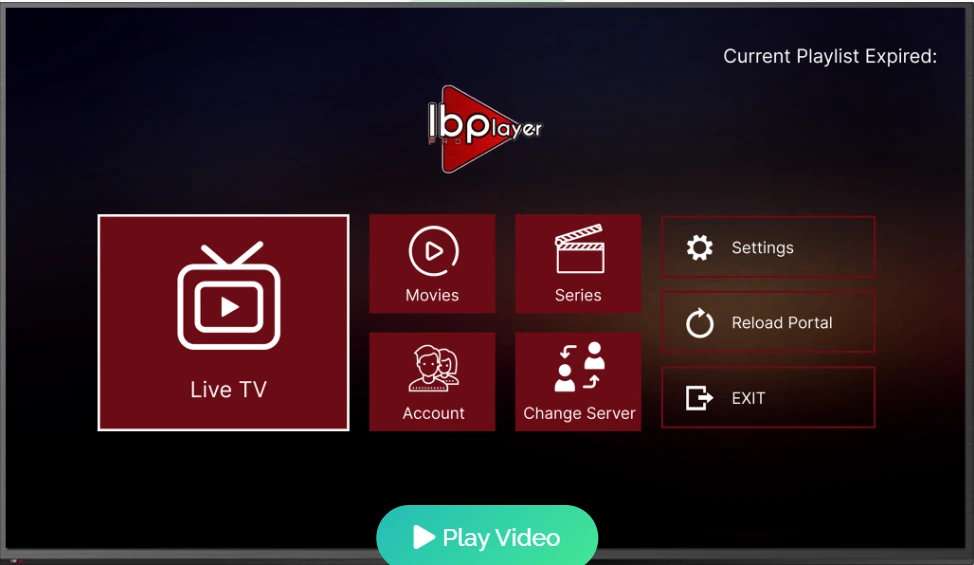
IBO Pro Player has risen in popularity due to its incredible speed and modern design. Perfect for those who value responsiveness and sleek aesthetics.
Installation Guide
- Open Downloader app → enter code 481220.
- Download & install the IBO Pro Player APK.
- Launch and activate with your subscription credentials (MAC-based or Xtream Codes).
Performance & 4K Support
During real-world testing, IBO Pro Player delivered sub-1-second channel switching, the fastest among all apps reviewed. The UI uses vector animations and remains fluid even on older Firesticks. 4K HDR streams play flawlessly with hardware acceleration. Also features a modern grid EPG, integrated search, and favorites manager. The free version is limited to 7 days; a one-time small fee unlocks lifetime premium.
✅ Pros
- Blazing fast channel zapping
- Clean, ad-free interface
- Supports multiple playlists
- Automatic EPG refresh
❌ Cons
- Not entirely free (nominal lifetime license)
- Requires MAC address activation for some servers
3. Hot Player – Modern UI & Built-in VPN Friendly
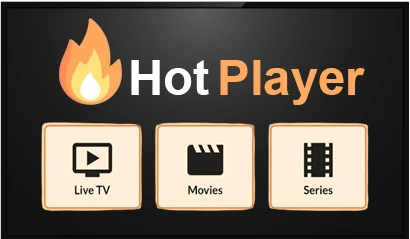
Hot Player stands out with a Netflix-style interface and dynamic content recommendations. Excellent for VOD and series fans.
Installation Steps
- Use Downloader → type 395800 and install.
- Open Hot Player, grant storage permissions, add your IPTV playlist (M3U URL or Xtream API).
- Enjoy a modern dashboard with poster art.
Performance & Advanced Features
Hot Player uses ExoPlayer and supports buffer size customization. We measured initial load times of 2.5 seconds for 4K channels. The UI is highly visual — posters, metadata, and even trailers. Parental controls (PIN protection) and hardware decoding toggle are present. The free version shows occasional ads, but the premium removes them and unlocks recording. Good for users who want a modern “streaming service” look.
✅ Pros
- Rich metadata & poster art
- Built-in VPN compatibility mode
- Multi-language EPG support
- Buffer size adjust (advanced)
❌ Cons
- Ads in free version
- Slight learning curve for settings
4. TiviMate IPTV Player (Honorable Mention)
Though not featured as a primary star due to no dedicated downloader code in our main list, TiviMate remains a top-tier premium player with exceptional EPG and recording. Available via official Google Play or sideloaded via APK. Many users pair TiviMate with Pillar IPTV for a premium experience.
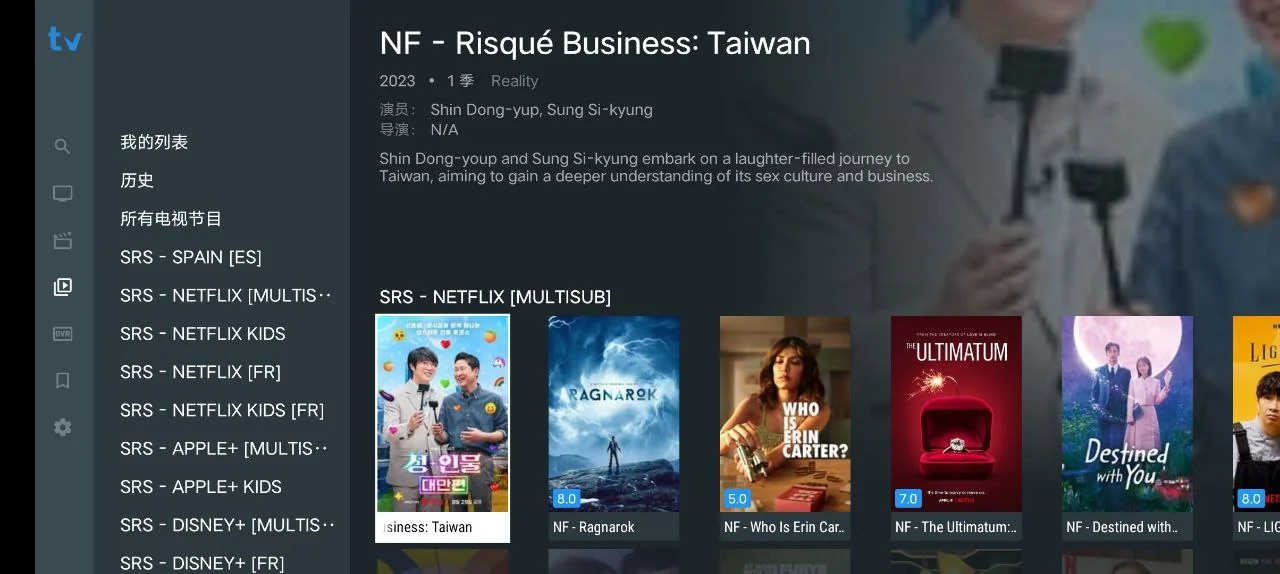
5. XCIPTV Player (All-in-One)
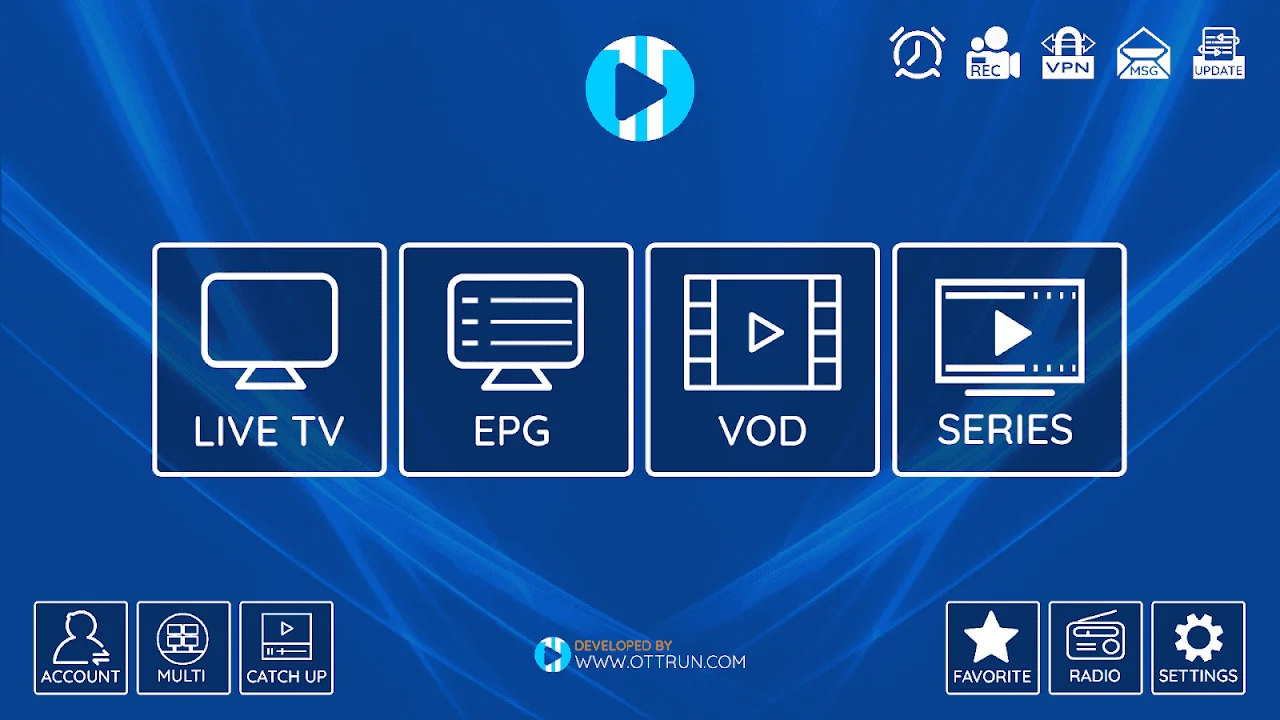
XCIPTV includes a built-in media player with VPN support, catch-up, and a sleek interface. Downloader code (example: 792865) widely available. Excellent for beginners.
📊 Ultimate Comparison: Top 5 Best IPTV Apps for Firestick
| App Name | Zapping Speed | EPG Quality | Pricing Model | UI / Design |
|---|---|---|---|---|
| IPTV Smarters Pro | Fast (2-3 sec) | Excellent (grid + timeline) | Freemium (Pro ~$15) | Professional, customizable |
| IBO Pro Player | Lightning (<1 sec) | Very good, auto-refresh | One-time fee (~€14) | Minimal, modern |
| Hot Player | Moderate-fast (2 sec) | Rich metadata, posters | Freemium (Premium ~$9) | Netflix-style, vibrant |
| TiviMate | Very fast (1.5 sec) | Best-in-class EPG | Premium (annual $9) | Grid-focused, clean |
| XCIPTV | Good (2.5 sec) | Standard EPG | Free (no forced premium) | Modern, all-in-one |
⚙️ Advanced IPTV Settings on Firestick (Boost Performance)
To extract the best experience from the best IPTV apps for Firestick, understanding advanced settings is crucial. Here are tweaks that every power user should configure:
1. Hardware Decoding (HW Overlay)
Most apps (including IPTV Smarters Pro and IBO Pro Player) provide a toggle for hardware decoding. Enabling this offloads video processing to the Firestick GPU, reducing CPU usage and improving playback of 4K HEVC streams. Always keep this ON unless you encounter glitches.
2. Buffer Size Optimization
In apps like Hot Player and TiviMate, you can adjust buffer size (Small, Medium, Large). For unstable Wi-Fi connections, choose "Large" (10-15 seconds) to avoid buffering. For wired ethernet or high-speed, "Medium" gives lower latency.
3. Parental Controls & PIN Lock
All reviewed apps feature parental control: restrict adult channels or lock settings. Set a 4-digit PIN to prevent unauthorized changes — especially useful if kids use the Firestick.
4. User-Agent & VPN Integration
Some ISPs throttle IPTV traffic; using a VPN is recommended. Apps like Hot Player allow setting a custom User-Agent to mimic a browser. Pair with Pillar IPTV for geo-unblocked streams. Remember to set the VPN kill switch.
5. External Player Setup
For advanced codec support, configure your IPTV app to use external players like VLC or MX Player. In IPTV Smarters Pro, navigate to "Player Settings" > "Use External Player" – improves compatibility with unusual audio formats.
🔧 Troubleshooting Common Firestick IPTV Issues
Even with the best IPTV apps for Firestick, you may face occasional hiccups. Our expert troubleshooting:
- “App not installing” error: Go to Settings > My Fire TV > Developer Options → enable “Apps from Unknown Sources” and “Downloader”. Restart Firestick.
- Buffering / freezes: Clear app cache (Settings > Applications > Manage Installed Apps). Also reduce buffer size or switch to hardware decoding. For persistent issues, use a VPN or lower stream quality.
- EPG not loading: Refresh playlist, manually re-enter EPG URL, or update timezone settings within the app.
- Audio sync issues: Toggle “Audio/Video sync” or use external player with offset adjustment. In IBO Pro, you can adjust A/V sync manually.
- No channels after installation: Double-check your subscription credentials. If you are using a trial, make sure you've activated via our installation guide for correct server URLs.
For step-by-step initial setup, refer to our complete Firestick 2026 Installation Guide.
❓ Frequently Asked Questions (FAQ)
Yes, the apps themselves are legal media players. You must use them with content you own or have rights to. Always subscribe to legitimate IPTV services like Pillar IPTV.
IBO Pro Player and IPTV Smarters Pro both deliver flawless 4K HDR performance when paired with a stable internet connection (30+ Mbps).
No, sideloading via Downloader is completely allowed by Amazon. No “jailbreak” required — you just enable "unknown sources".
Absolutely! Combine these apps with Pillar IPTV by grabbing a 24h free trial using the sticky button below.
🚀 Ready to transform your Firestick into the ultimate IPTV machine?
Explore Pillar IPTV Subscription Plans — premium 4K channels, sports, PPV & VOD. Already have an app? Activate now.